The clubfoot app that keeps going after the brace comes off
Almost every clubfoot tool stops where bracing stops. That is roughly where my own foot started needing a record. Clubfoot Forward is built for adults and teens living with clubfoot first, with pain check-ins, a movement library and one place for decades of history. It also carries the parent side, casting through bracing, for families in the middle of it. Free on iPhone and Android, it works with no signal, and everything you put in stays on your phone.
Get it on the App Store → Get it on Google Play → Free on iPhone and Android.

If the clubfoot is yours
For teens and adults: the half of the app built first
Most people using this app are adults. That is not an accident, and it is not a footnote to the parent features.
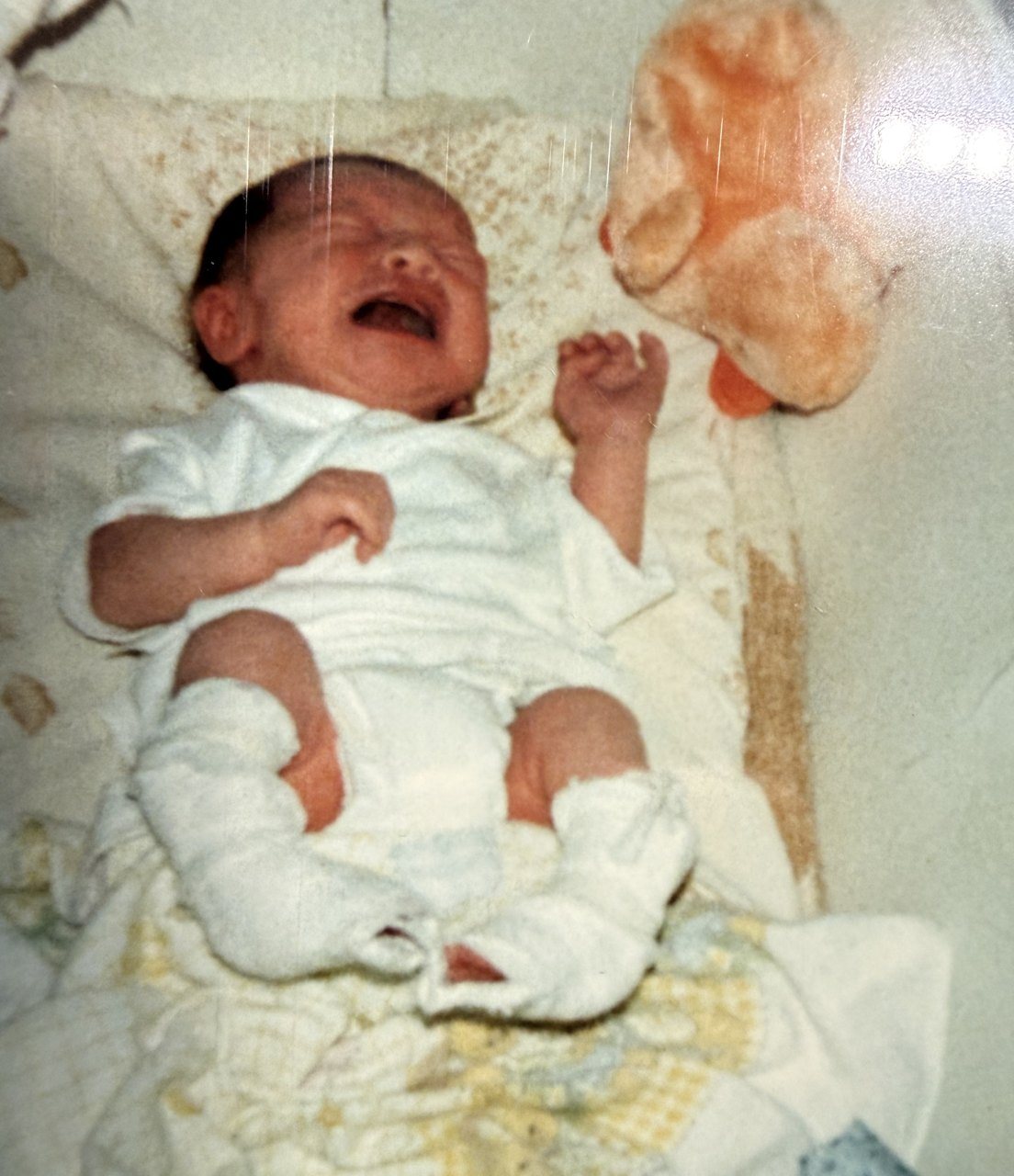
My pediatric file closed a few weeks before I turned eighteen. For the next twenty-three years there was nothing to track, nowhere to put it, and nobody asking. When I finally went looking for my own history, the records from my teens came back from a hospital and the notes from my infant surgery came out of a folder my mother had kept. I wanted one place on my phone that would have held all of it, and would hold what my feet do now. That is this side of the app.
Choose the teen or adult experience when you set it up and the whole app changes around you. Your home becomes a dashboard, the Journey tab becomes History, and the parent tools get out of the way.
Check in in under a minute
Tap how you are today, 1 for no pain and 10 for the worst. Then, if you want, where it is and when you noticed it. That is a whole check-in, and it is short on purpose, because a record you keep for a week is worth less than a record you keep for a year.
Your history, read back to you honestly
After your second check-in you get a pain line you can actually read. Look back over the last week, month, quarter, six months, year or all of it. The History tab breaks it into symptoms, function, activity, movement and body areas, and it sets the amount of activity you logged against the symptoms you recorded, so a long day on your feet and a bad next morning can sit side by side.
Once a month the app asks seven short questions, the same each time: walking, standing, stairs, uneven ground, sport, pain and overall. After you save, each answer shows whether it was easier, the same or harder than last month.
Patterns only appear once there are enough comparable records to support them, and when one does, it shows its evidence as how many times out of how many. Until then it says there is not enough information yet. The screen puts it plainly: this is your record, not an assessment of it.
A movement library written for a clubfoot ankle
Strength, mobility, cardio, balance and recovery work, from calf raises and supported squats to pool walking and a rowing machine. The filters are the part I care about, because a generic exercise app has no idea your ankle does not bend the way the video assumes.
Some movements have a demonstration video. Most are written out step by step, which is deliberate: a clear description beats a video of someone whose feet are nothing like yours.
Forty years of records, finally in one place
If you had surgery as a child, you probably know it the way I did: roughly, from memory, with the dates wrong. The records section is built for exactly that.
Walk into an appointment with something in your hand
If you only see someone about your feet every few years, that appointment is easy to waste. Build your question list before the visit, keep it open while you are in the room and mark what got answered, then record what was actually said before the drive home erases it.
Share with Doctor turns what you have logged into a readable PDF: your check-ins, symptoms and function, appointments, notes and questions. It labels what you recorded yourself separately from what the app calculated, so nobody mistakes a trend line for a finding.
What it is not, on this side either: a diagnosis, a treatment plan, or a judgment on whether your foot is getting worse. It keeps your record. A clinician who has examined you interprets it.
Where you are
Which part of clubfoot are you in?
Living with it, years after treatment
Quick pain check-ins, a History tab that reads your record back to you, a movement library you can filter by how much your ankle can do, and one place for surgeries, documents, photos and footwear.
In the casting weeks
Each cast recorded with its scores, the tenotomy logged, and a note when a cast comes off early and why.
In the bracing years
A one-tap brace timer, optional night and morning reminders, and a before and after comparison when the setup changes.
Before and after appointments
A question list you build beforehand and keep open in the room, a record of what was said, and a summary PDF to hand over.
Somewhere with no signal
Everything opens offline: your records, the timer, and the knowledge base.
If your child is in treatment
For parents: casting, bracing and everything in between
Appointments work the same way they do for adults, with a question list, a record of what was said, an optional reminder the evening before, and a provider summary PDF built from casting history, brace hours and observations. The PDF is always built in English, whatever language the app is in. On Android there is also a home screen widget that shows whether the brace is on and today’s hours, with a toggle that logs a session without opening the app.
Before treatment starts
For families with a prenatal diagnosis
There is a separate path for families who have been told at a scan and have not started treatment yet: the questions to take to a first appointment, the knowledge base, and a way to find Ponseti providers, without a casting tracker you do not need yet.
For everyone
What every experience shares
Your data
What stays on the phone, and the one thing that leaves
This site takes no money from brace makers, footwear brands or orthotics companies, and that policy is only worth anything if it comes with plain answers to questions like this one.
Stays on your device. Your profile, pain check-ins, activity and movement logs, medical records, documents, photos, cast entries, brace logs and appointment notes. They are stored locally and are not transmitted in the background. There is no account, no sign-in and no sync, which also means that if you delete the app without a backup, the records go with it.
Leaves your device. A device identifier, shared with the advertising network that funds the app. That is disclosed on the App Store privacy label, in the Google Play data safety section and in the privacy policy, and it is stated here too rather than buried, because you are entitled to weigh it before installing.
If you would rather share nothing at all, that is a reasonable position and it costs you very little. The same knowledge is on this website, free, with no install. The app adds the record-keeping, not the knowledge.
Cost
Free, and free in the way that word should mean
No paid tier. No locked features. No trial that expires. No account. Every part of it works on the day you install it and keeps working, on iPhone and on Android.
It carries advertising, and there are two optional support purchases inside it at $3.99 and $29.99. Neither unlocks anything, because there is nothing locked. They exist for people who want to fund the work, in the same way the support page does, and ignoring them costs you nothing.
That funding mix, advertising, voluntary support, guides and affiliate commissions, is the mechanism by which this site declines money from the companies whose products it writes about. The editorial policy sets out the whole arrangement.
Questions
What people ask before installing
Is there a clubfoot app for adults?
Can I track clubfoot pain in the app?
Does the app have exercises for adult clubfoot?
Is there an app for tracking clubfoot treatment?
Does the clubfoot app work without internet?
What does the app cost?
What data does the app collect?
Is there an Android version?
Who made it?
Keep going
Related
Clubfoot as an adult is where the adult side of this site starts. What a treated clubfoot looks like at forty-one is my own feet, photographed. For parents, the Ponseti parent guide is the full treatment walkthrough and the appointment checklist is free and printable. About Heath explains who built all of it and why.
Sources
Where this comes from
Features on this page are described from the app itself and its store listings, as of October 2026. The home screen widget is Android only. The app is an organizational and educational tool. It is not a medical device, it gives no clinical advice, and installing it creates no relationship with any clinician.
I made a video about why I built it, and about what it deliberately does not do. Watch it on YouTube, or browse the channel.